
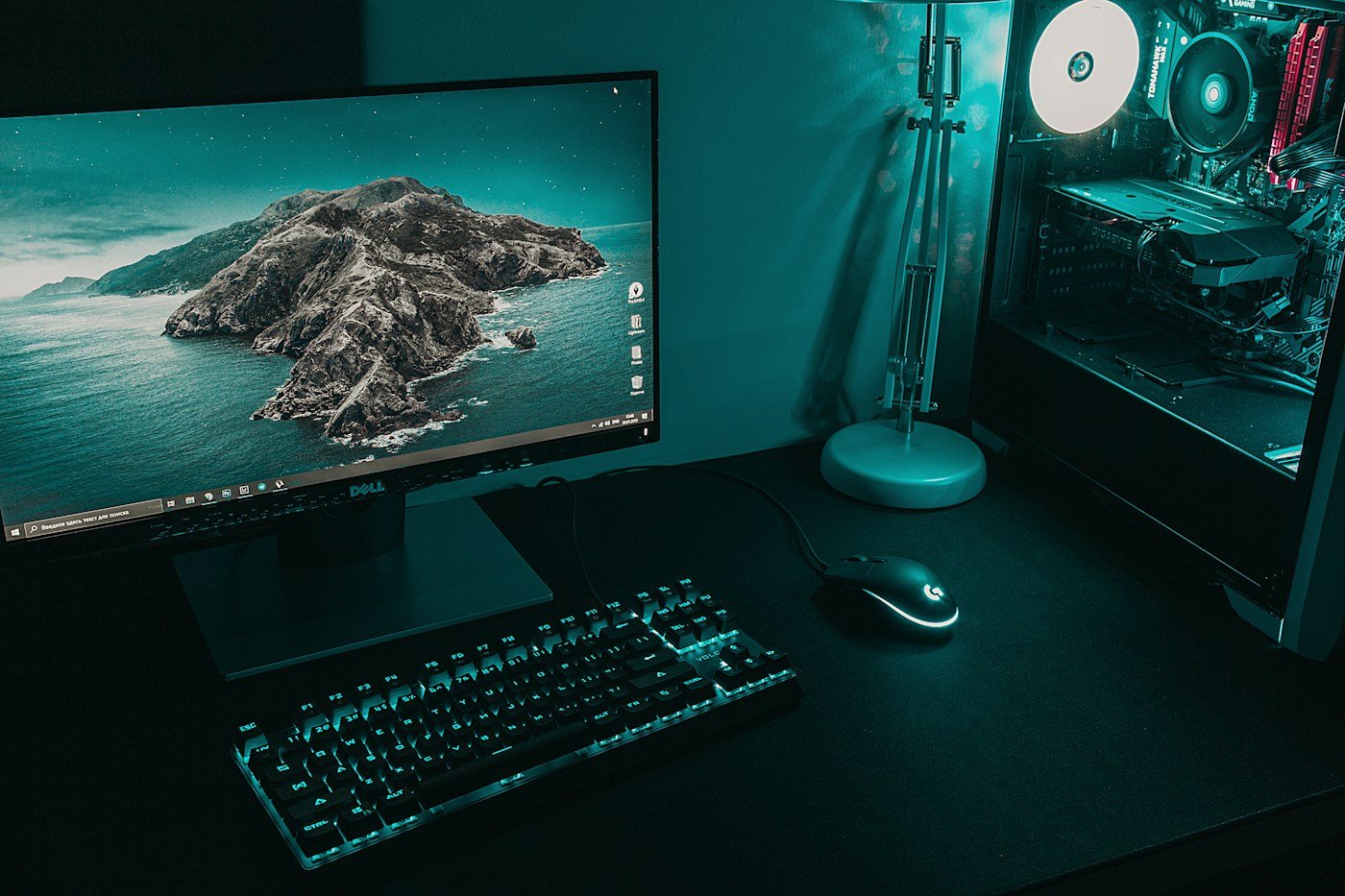
A desktop PC shown for context; the photograph does not establish Portable Computer compatibility. Photograph: Daniel Eliashevskyi / Unsplash.
Your next AI assistant might spend less time waiting for a distant server and more time using the powerful graphics hardware already sitting under your desk.
Perplexity Portable Computer is now available through Perplexity’s Windows app on compatible Nvidia RTX systems, according to Nvidia’s 14 September 2026 announcement. It is software for running multi-step AI workflows, not a new laptop or a separate computer you buy. Windows launch announcement.
There is an important catch near the bottom of the announcement: the supported GeForce RTX and RTX PRO GPUs need at least 24GB of VRAM. That is graphics memory, not the PC’s ordinary system memory. Having 24GB or 32GB of system RAM alone does not meet the stated GPU requirement. Published hardware requirement.
Perplexity Portable Computer is about doing tasks
The appeal goes beyond asking a chatbot a question. The app can use local models to work across files, analyse data and carry out a sequence of actions. Nvidia says locally completed work does not consume Perplexity Computer credits, and the app asks permission before sending information to cloud models for additional reasoning or research. Nvidia’s description of the release.
That does not mean every service is free, or that every connected workflow is offline. Local computation, account access and cloud services are separate issues. Users still need to check the current app terms and understand which services a particular task will contact.
The change is less setup, not just more hardware
Nvidia’s earlier IFA update described the problem local agents are trying to solve: choosing a model, finding suitable inference software, configuring it and keeping the pieces working together. Portable Computer packages models, orchestration and tools into a more integrated experience. The Windows release follows support for Linux RTX systems and DGX Spark. Nvidia’s IFA background.
In that earlier announcement, example tasks included sorting software-project pull requests by their status and examining a company’s exported onboarding data. These illustrate an agent working through a process rather than simply generating a paragraph. They are vendor examples, not independent performance guarantees. Published workflow examples.
We have already covered Nvidia’s broader local-AI push. This release makes the trend more concrete: an established AI service now has a Windows route for putting substantial work on a compatible local GPU.
The privacy promise needs a precise reading
Our assessment is that control over where a task runs is more useful than a blanket claim that an app is private. A local model may help keep a document on the machine, but connecting an online service or approving a cloud step changes the boundaries of that workflow.
The right test is specific: which files does the task use, which actions can it take, and when does anything leave the device? An explicit permission step is valuable only if the user understands what is being approved.
A promising release with a narrow hardware doorway
The 24GB requirement makes this more selective than a general Windows rollout. It is not evidence that every gaming PC can run the advertised experience, and it is not a reason to assume a lower-memory graphics card will behave the same way.
The interesting shift is the choice becoming available: complete some tasks locally, call on cloud capability when needed, and make the handover visible. The lasting appeal will depend on whether that arrangement saves real effort after the first impressive demonstration.
Leave a Reply